Phone Caller - Contacts makes everyday calling simple with a fast phone dialer, organized contacts, call logs and an easy-to-use call screen. Make phone calls, find saved numbers and keep your favorite contacts within easy reach.
Designed for everyday calling, Phone Caller - Contacts brings your dialer, contacts, recent calls and favorites together in one convenient place. Search contacts by name or phone number, manage your phone book and enjoy a clean calling experience on Android.
📞 Phone Dialer & Phone Calls
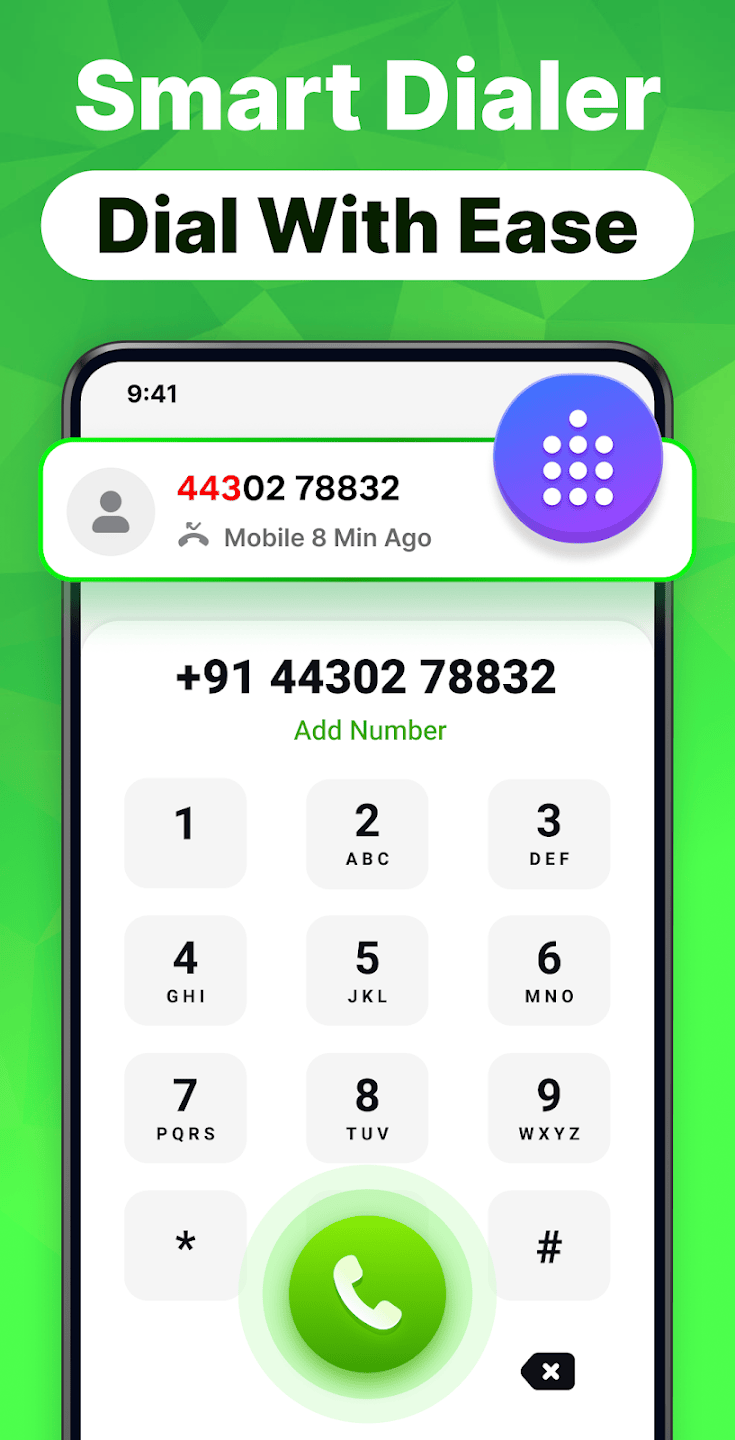
Make and receive phone calls with a simple and responsive phone dialer. Enter a phone number using the dial pad or quickly find a saved contact before making a call.
Clean and easy-to-use dial pad
Search contacts by name or phone number
Quick access to recent phone calls
Dual SIM support
One-tap calling from contacts
👥 Contacts & Contact Manager
Keep your contacts organized and easy to access. The contact manager helps you find, add and manage saved contacts from one place.
Add, edit and delete contacts
Search contacts quickly
Browse your phone contacts alphabetically
Add important contacts to Favorites
Share contact details easily
🕘 Call Log & Recent Calls
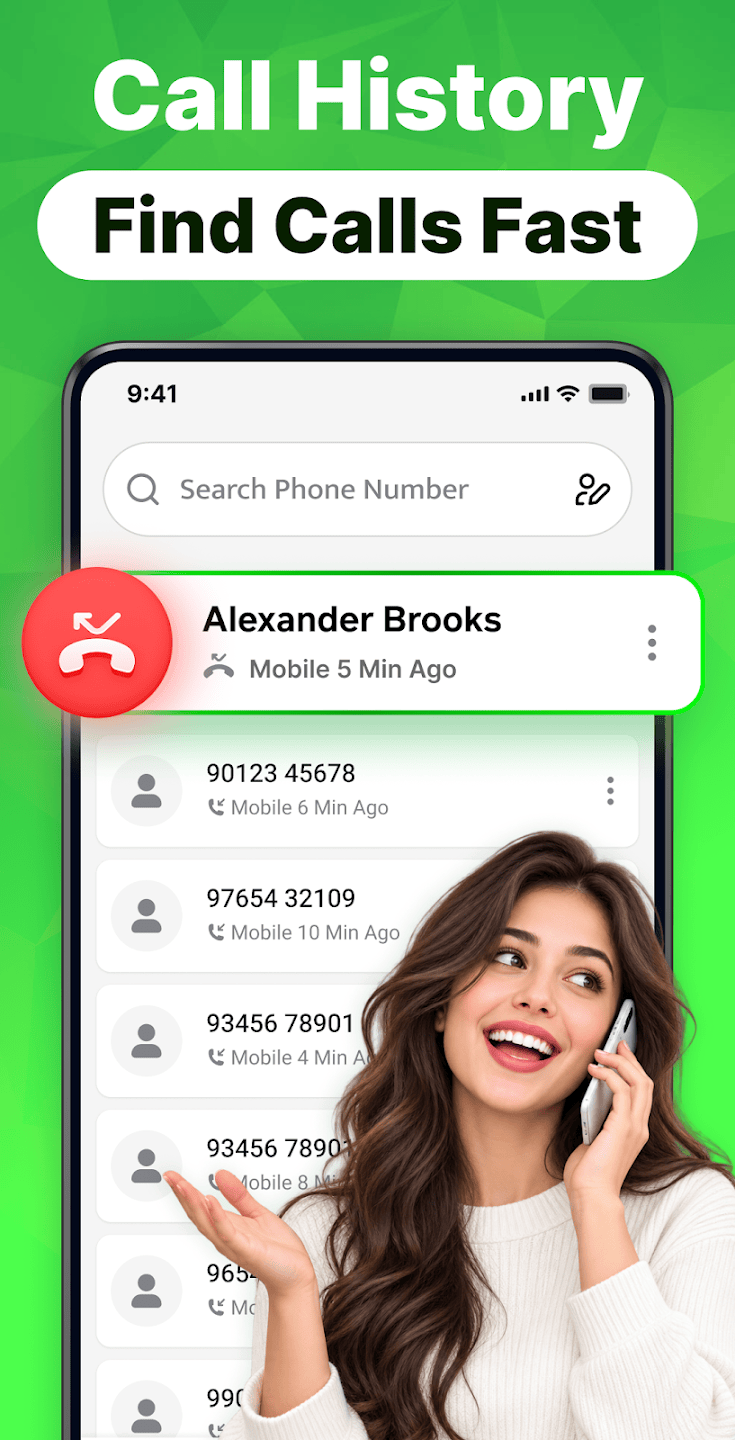
Check your call log and keep track of recent phone calls. Easily view incoming, outgoing and missed calls and quickly call a number again.
View recent call history
Check incoming, outgoing and missed calls
Open contact details from your call log
Quickly redial recent phone numbers
Manage your call history
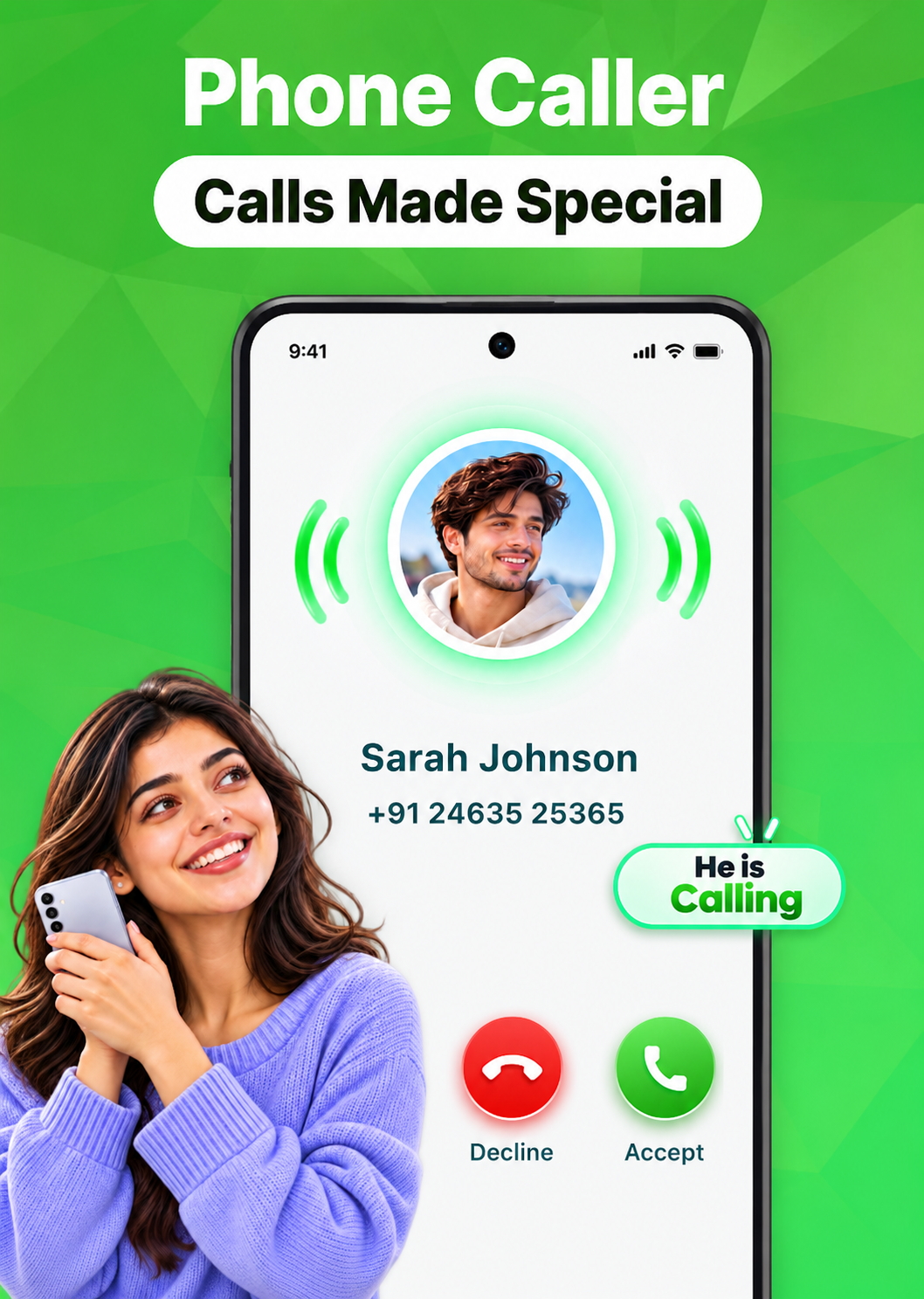
📱 Simple Call Screen
Enjoy a clean call screen with convenient controls while making a phone call. Access the essential calling options you need without a complicated interface.
Check your call log and keep track of recent phone calls. Easily view incoming, outgoing and missed calls and quickly call a number again.
Mute or unmute a call
Turn speaker mode on or off
Open the dialer keypad during a call
Put a call on hold
Add another call when supported
🚫 Block Unwanted Numbers
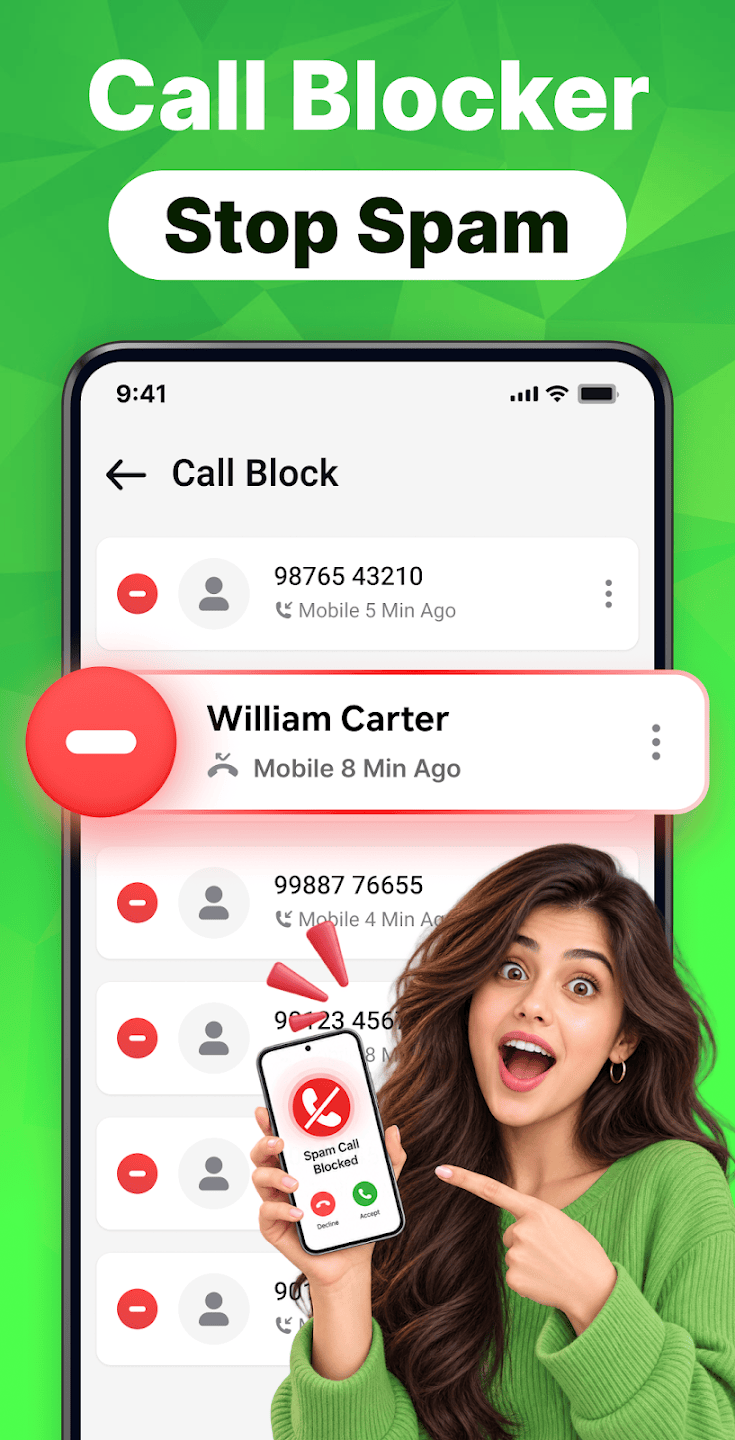
Get more control over your phone calls by blocking unwanted numbers. Add numbers to your blocked list and manage them whenever needed.
⭐ Favorites for Quick Calling
Add frequently used contacts to Favorites and reach them faster. Keep friends, family and important phone contacts just a tap away for convenient calling.
After-Call Actions, Themes & Why Choose Us
Continue with useful actions after a phone call ends: view call details, send messages, save new phone numbers, or open contact info. Personalize with light and dark themes for a comfortable look.
Phone Caller - Contacts brings your essential calling tools together in one easy-to-use app. Use the phone dialer to make calls, manage contacts, check your call log and quickly reach your favorite people.
Whether you need to make a quick phone call, search your contacts or check recent calls, everything is designed to keep everyday calling simple and convenient.
Download Phone Caller - Contacts and enjoy a clean phone dialer, organized contacts and an easier way to manage your daily phone calls.